Essential Tips for Building a High-Performance PC Gaming Computer
Discover essential tips for building a high-performance PC gaming computer. Learn about selecting the right components, optimising performance, and getting professional help for the best gaming experience.
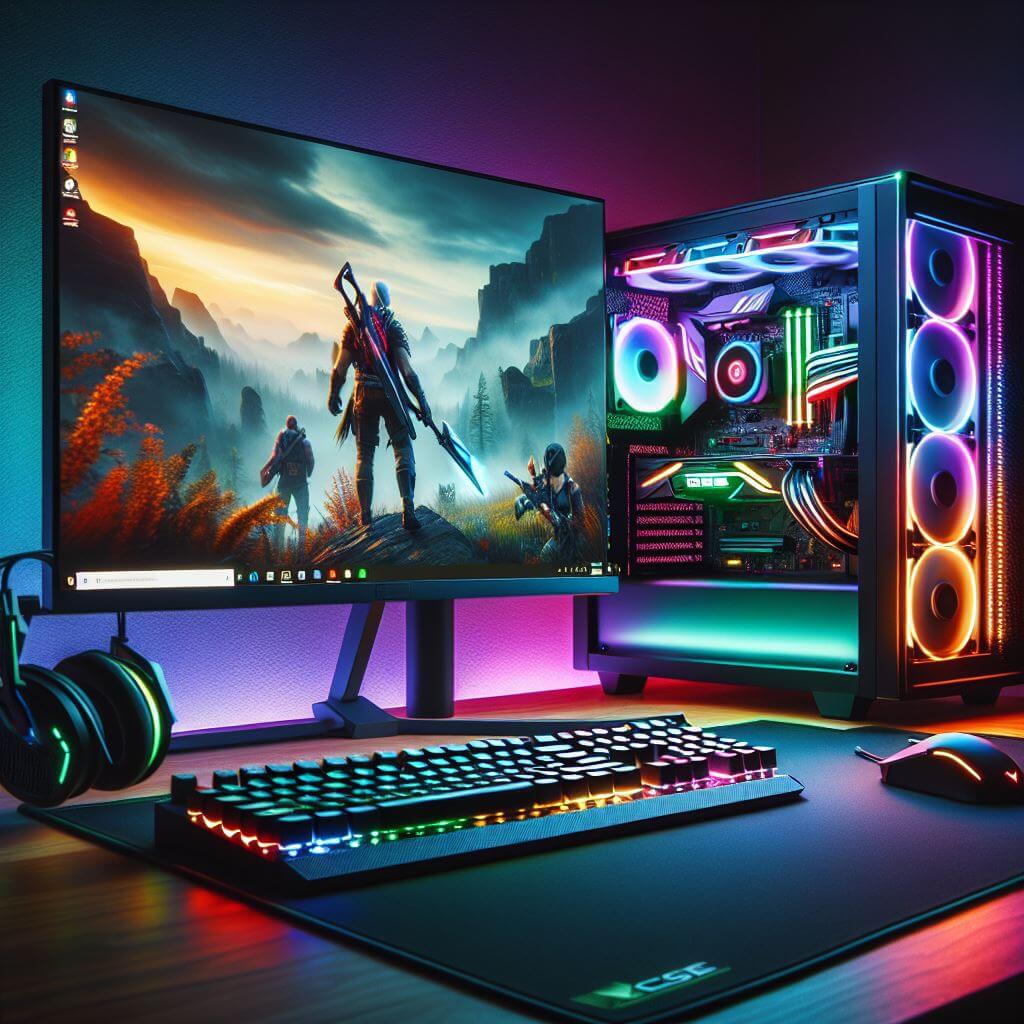
Before diving into the specifics of building a high-performance PC gaming computer, it's important to understand why this blog is a must-read for anyone looking to upgrade their gaming experience. Whether you're a seasoned gamer or someone just starting out, the process of selecting the right components and assembling them can be overwhelming. Many people struggle with deciding which parts are best suited for their needs, often leading to mismatched components or subpar performance. This blog is designed to guide you through every step, from picking the right processor to optimising cooling solutions, so that by the end, you'll have a clear understanding of how to build a powerful, customised gaming rig that delivers exceptional performance. Stick around for expert tips, practical advice, and a solution to the common frustrations of building your own gaming PC—plus, find out why professional help might be the perfect answer to your gaming needs.
1. Introduction: Why Build Your Own PC Gaming Computer?
Building your own PC gaming computer offers a range of benefits: customisation, future-proofing, and overall better value for money. You have the freedom to choose the components, personalise the setup to suit your gaming style, and tailor performance to meet the demanding needs of modern games. Whether you're a beginner or a seasoned gamer, this guide will walk you through the essential steps to create the ultimate gaming rig.2. Step 1: Selecting the Right Processor (CPU)
The CPU, or central processing unit, is the brain of your gaming computer. A high-performance CPU ensures smooth gameplay, fast load times, and the ability to handle resource-heavy tasks like streaming or video editing while gaming.Key Points:
- For gaming, Intel Core i7 and AMD Ryzen 7 are popular choices, offering a great balance between price and performance.
- Gamers looking for extreme performance may opt for the Intel Core i9 or Ryzen 9 series.
3. Step 2: Choosing the Best Graphics Card (GPU)
A high-quality GPU is crucial for smooth graphics rendering and an immersive gaming experience. The GPU processes all graphical elements, making it the heart of your gaming computer.Key Points:
- Leading GPU manufacturers include NVIDIA and AMD.
- Aim for GPUs like the NVIDIA GeForce RTX 3060 for mid-range builds or the RTX 4090 for high-end gaming.
4. Step 3: Picking the Perfect Motherboard
The motherboard connects all components and ensures seamless communication between them. It needs to be compatible with your CPU, GPU, and other components.Key Points:
- Consider a motherboard with PCIe 4.0 for future-proofing.
- Ensure that it supports overclocking if you plan to push your CPU and GPU to their limits.
5. Step 4: RAM: How Much Do You Need?
RAM (Random Access Memory) plays a key role in multitasking and game performance. More RAM allows you to run multiple applications while gaming without sacrificing performance.Key Points:
- For most modern games, 16GB is the standard.
- 32GB of RAM is recommended if you plan to stream or run intensive applications simultaneously.
6. Step 5: Storage: SSD vs HDD for Gaming
Storage affects load times and game performance. While traditional HDDs offer more storage space at lower prices, SSDs are significantly faster and improve the overall gaming experience.Key Points:
- Use an SSD (Solid State Drive) for your operating system and games for faster load times.
- A secondary HDD (Hard Disk Drive) can be used for bulk storage if needed.
7. Step 6: Power Supply Unit (PSU) – Keep Your System Stable
The PSU provides power to all your components. A high-quality PSU ensures your system runs reliably without risking component failure.Key Points:
- Choose a PSU with 80 Plus certification for energy efficiency.
- Ensure it provides enough wattage for your components, typically around 650W-850W for gaming PCs.
8. Step 7: Cooling Solutions: Air vs Liquid Cooling
Proper cooling is essential to maintain the longevity and performance of your gaming PC. Overheating can cause damage to your CPU and GPU, especially during long gaming sessions.Key Points:
- Air cooling is more affordable and sufficient for most builds.
- Liquid cooling offers better cooling performance but comes at a higher price.
9. Step 8: Building the Right Case and Ergonomics
A gaming PC case needs to accommodate all your components and offer efficient cooling. It also contributes to the overall aesthetics of your build.Key Points:
- Ensure the case is compatible with your motherboard form factor.
- Look for cases with good cable management, airflow, and enough space for future upgrades.
10. Step 9: Operating System and Essential Software
After assembling your hardware, it’s time to install the operating system. Windows 11 is a popular choice for gamers due to its gaming optimisation features.Key Points:
- Install gaming-specific software like MSI Afterburner for monitoring and optimising performance.
- Keep your drivers updated for your GPU, motherboard, and peripherals.
11. Step 10: Testing and Tweaking Performance
Once your build is complete, test your system for stability and performance. Use benchmarking tools like 3DMark or Cinebench to ensure everything is working correctly.Key Points:
- Monitor temperatures and ensure your cooling system is working efficiently.
- Overclock your CPU or GPU for enhanced performance, but monitor for stability.
12. Why Professional Help Matters for Custom Builds
Building a gaming PC is a rewarding process, but it can be overwhelming for those unfamiliar with hardware components and compatibility. A professional service can ensure that:- Your components are compatible and future-proofed.
- Proper installation and setup reduce the risk of damage.
- The build is optimised for gaming, ensuring you get the most out of your system.

