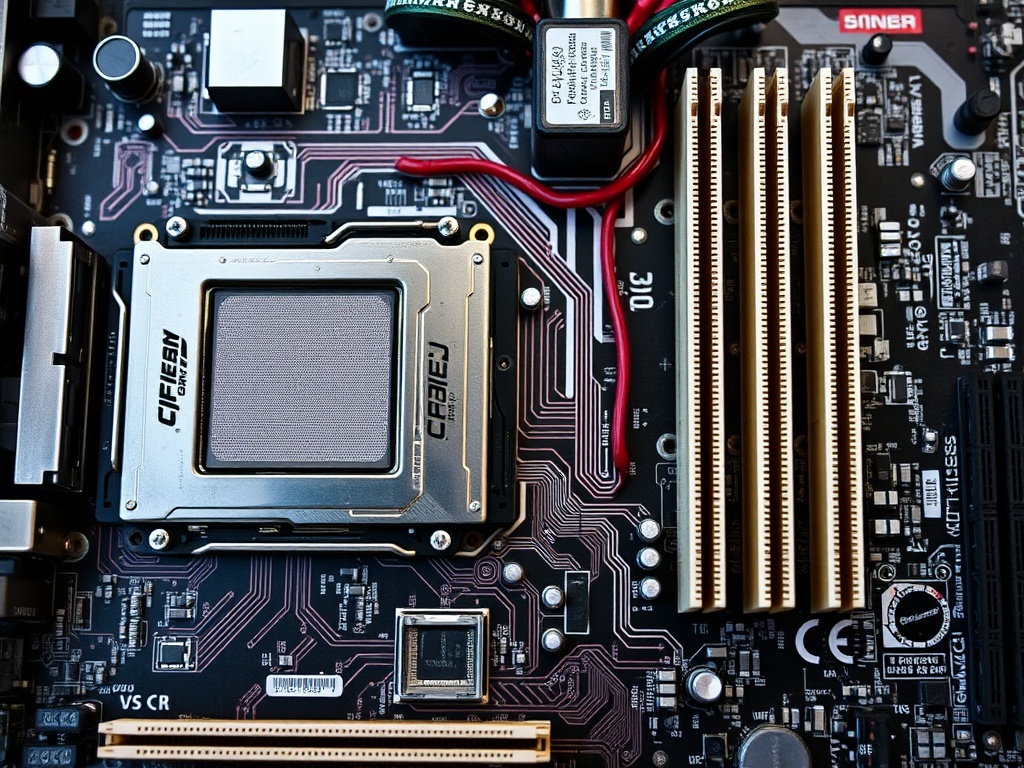
Your computer’s motherboard is one of its most crucial components, acting as the central hub that connects and powers all hardware. When the motherboard starts failing, the symptoms can range from minor inconveniences to total system breakdowns.
In this guide, we’ll explore the most common signs of motherboard failure, how to diagnose these issues, and actionable solutions to fix them. By the end, you’ll know when to attempt a repair and when it’s time to replace your motherboard.
What Does the Motherboard Do?
1. Overview of the Motherboard’s Role
The motherboard connects the CPU, RAM, GPU, storage devices, and other peripherals, allowing communication between components.
2. Importance of Motherboard Health
A malfunctioning motherboard can render a computer unusable. Keeping it in optimal condition is key to your system’s performance and longevity.
Signs Your Motherboard May Be Failing
1. Random Shutdowns or Restarts
Unexpected power-offs often indicate voltage irregularities or overheating on the motherboard.
2. Failure to Boot
A computer that refuses to start or displays error codes during boot might point to motherboard damage.
3. Overheating Issues
Consistent overheating can signal failing circuits or inadequate cooling, both of which can damage the motherboard.
4. Peripherals Not Recognised
Devices like USBs, keyboards, or mice failing to connect may indicate damaged ports or communication issues on the motherboard.
5. Burning Smell or Visible Damage
A burnt odour, scorch marks, or swollen capacitors are clear signs of hardware failure.
Common Causes of Motherboard Failure
1. Electrical Surges
Sudden voltage spikes can fry motherboard circuits. Using a surge protector or UPS can help prevent this.
2. Poor Maintenance and Dust Build-up
Accumulated dust can cause short circuits and block airflow, leading to overheating and eventual hardware failure.
3. Incompatible Hardware Installations
Installing components that exceed the motherboard’s specifications can cause permanent damage.
4. Overclocking and Thermal Damage
Overclocking without proper cooling can push your motherboard beyond safe operational limits.
Diagnosing Motherboard Issues
1. Inspecting for Physical Damage
Check for burnt areas, bent pins, or swollen capacitors that could indicate motherboard failure.
2. Listening for Beep Codes
Most motherboards emit beep codes during startup to signal hardware errors. Refer to your manual for their meanings.
3. Checking with Diagnostic Tools
Use tools like a POST card tester or diagnostic software to identify hardware-specific issues.
4. Isolating Other Hardware Issues
Disconnect all non-essential peripherals and test individual components to rule out other causes.
How to Fix a Failing Motherboard
1. Replacing Faulty Capacitors
Swollen or leaking capacitors can sometimes be replaced to restore motherboard functionality.
2. Resetting the BIOS
Clearing the CMOS or resetting the BIOS can resolve firmware-related problems.
3. Updating Firmware and Drivers
Outdated firmware or drivers can cause compatibility issues, leading to errors.
4. Professional Repairs vs DIY Solutions
Simple fixes can often be performed at home, but extensive damage may require professional intervention.
Preventing Future Motherboard Problems
1. Surge Protection and Power Stability
Invest in a high-quality surge protector or UPS to guard against power fluctuations.
2. Regular Cleaning and Maintenance
Use compressed air to remove dust and keep your system clean to prevent overheating.
3. Monitoring System Temperatures
Install software to track temperature levels and ensure adequate cooling for all components.
When to Repair or Replace Your Motherboard
1. Cost vs Benefit Analysis
Compare repair costs with the price of a new motherboard, considering the age and compatibility of your current setup.
2. Determining Compatibility with New Components
If your motherboard isn’t compatible with modern components, replacement may be the better option.
3. Time Considerations
Repairs can take time, and a replacement might be quicker, especially if spare parts are unavailable.
Conclusion and Call to Action
Recognising the signs of a failing motherboard early can save you from costly repairs and system downtime. By following the steps outlined in this guide, you can diagnose, fix, and prevent common motherboard issues.
If your PC is experiencing persistent problems, let Perth Computer Experts take care of it. Our skilled technicians specialise in diagnosing and repairing hardware issues, including motherboard failures. Contact us today to ensure your computer operates at its best!