How Onsite Computer Repairs Can Help with Networking Issues
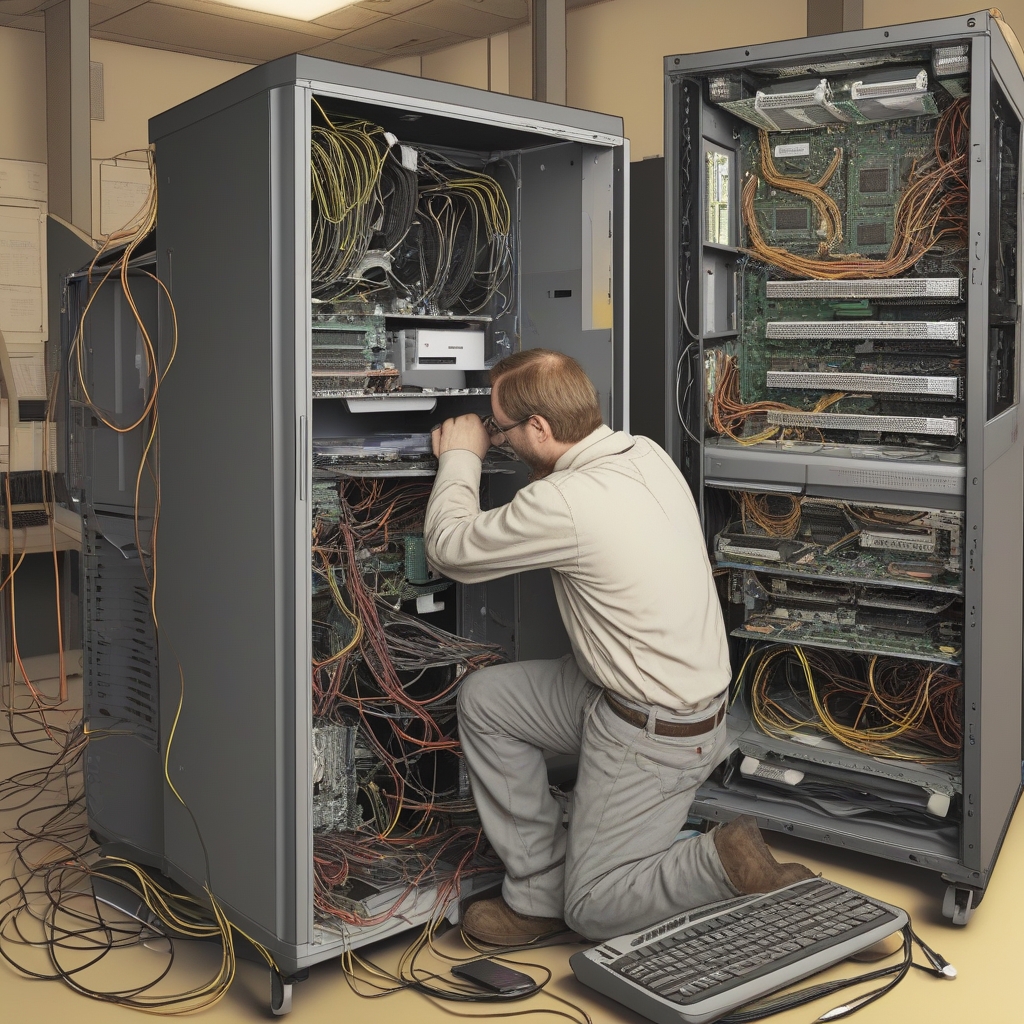
Networking issues can significantly hinder the productivity of your business. From slow internet speeds to Wi-Fi connectivity problems, these issues not only disrupt daily operations but also lead to frustration among employees. The good news is that many of these problems can be efficiently resolved with onsite computer repairs. In this blog, we’ll explore how onsite repair services can help tackle common networking problems, the benefits of having an expert technician come to your location, and why this approach is often the best solution for business owners. We’ll also discuss how to choose the right onsite service provider for your networking needs.
Common Networking Issues in Businesses
1. Slow Internet Speed
One of the most common networking issues businesses face is slow internet speeds. Whether it’s caused by a congested network, outdated hardware, or an issue with the service provider, slow internet can severely impact productivity and workflow.2. Network Security Vulnerabilities
Inadequate network security can leave your business vulnerable to cyber threats. Issues like unsecured Wi-Fi networks, outdated firewall protection, or weak passwords can expose your company to risks such as data breaches and hacking.3. Wi-Fi Connectivity Problems
Wi-Fi issues are particularly frustrating in modern offices, where wireless connectivity is essential for most operations. Signal drops, poor coverage, or slow speeds can be detrimental to day-to-day tasks.4. IP Address Conflicts
When two devices share the same IP address, they can experience connectivity issues. This problem can lead to devices not being able to access the network, disrupting workflows and causing delays.The Benefits of Onsite Computer Repairs for Networking Issues
1. Quick Resolution
One of the primary advantages of onsite repairs is the speed with which issues are addressed. A technician can quickly diagnose the problem and apply immediate solutions, reducing the time spent troubleshooting.2. Hands-On Problem Solving
Unlike remote support, onsite visits allow technicians to physically inspect your network infrastructure. This hands-on approach often results in quicker, more accurate resolutions.3. Minimal Disruption to Your Business
Onsite repairs mean that your business operations can continue with minimal disruption. The technician can work while your employees stay focused on their tasks, ensuring productivity isn’t affected.4. Tailored Solutions
Onsite technicians can analyse your specific networking setup and offer solutions tailored to your business. This custom approach ensures that the solution implemented will be the best fit for your needs, rather than a generic fix.How Onsite Computer Repairs Solve Specific Networking Problems
1. Resolving Slow Internet Speed
- Diagnosing Network Bottlenecks: Onsite technicians can identify factors such as overloaded routers, faulty cables, or misconfigured network settings that may be slowing down your connection.
- Upgrading Hardware: Sometimes, slow internet is due to outdated equipment. Technicians can help upgrade your hardware to ensure your network operates at optimal speeds.
2. Fixing Wi-Fi Connectivity Issues
- Assessing Signal Coverage: Technicians can evaluate your office’s layout and the placement of your router to ensure maximum coverage.
- Reconfiguring Settings: Sometimes, Wi-Fi issues are caused by incorrect settings or interference. A technician can reconfigure settings or adjust the router to eliminate these problems.
- Adding Wi-Fi Extenders: If coverage is an issue, a technician can install Wi-Fi extenders to ensure a strong signal throughout the office.
3. Troubleshooting Network Security Concerns
- Updating Security Protocols: Technicians can check that your security software, firewall, and routers are up-to-date and using the best possible protection.
- Identifying Vulnerabilities: They can run security audits to identify any vulnerabilities in your network and recommend necessary upgrades or changes.
4. Managing and Resolving IP Address Conflicts
- Manual Configuration: A technician can manually assign IP addresses to devices or modify network settings to resolve conflicts.
- Dynamic Host Configuration Protocol (DHCP): The technician may adjust your network’s DHCP settings to ensure that devices receive unique IP addresses.
Comparing Onsite Repairs with Remote IT Support
| Aspect | Onsite Repairs | Remote IT Support |
|---|---|---|
| Response Time | Quick resolution with immediate action | May involve delays depending on the issue |
| Problem Complexity | Handles both hardware and software issues | Typically focuses on software problems |
| Customization | Tailored to your specific network setup | Generic solutions based on standard issues |
| Security | Physical inspection ensures secure solutions | Risk of data transmission during remote troubleshooting |

