Understanding the Different Types of Hard Drive Failures and Recovery Techniques
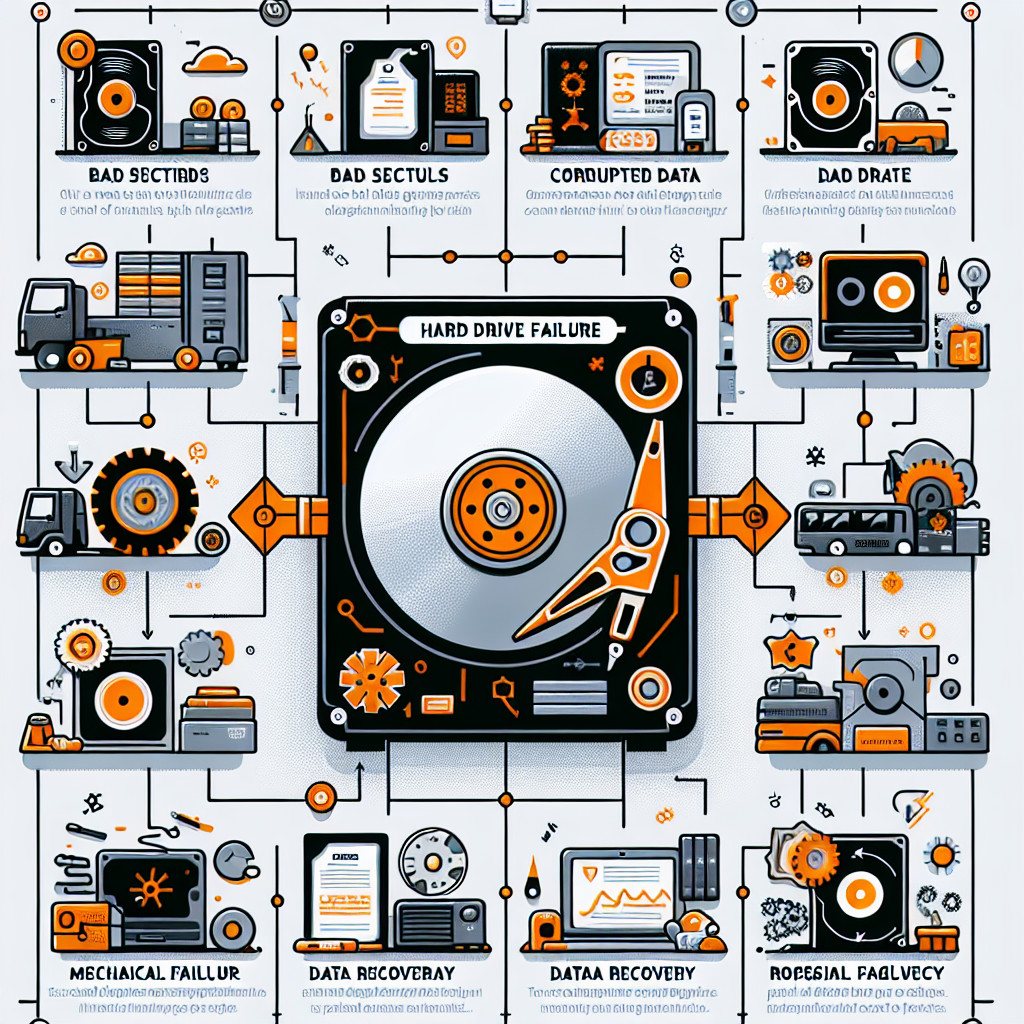
Hard drive failures can be one of the most frustrating and costly technical problems for both individuals and businesses. These failures can result in the loss of critical data, leading to potential disruptions in daily operations or even permanent data loss. Understanding the different types of hard drive failures and the appropriate recovery techniques is essential for mitigating the risks and ensuring the safety of your data. In this guide, we will delve into the various types of hard drive failures, explore how to recognise these issues, and outline the most effective recovery techniques available. Whether you're looking to prevent a failure or recover from one, this article will provide the insights you need.
What Causes Hard Drive Failures?
Understanding the root causes of hard drive failures is crucial to diagnosing and preventing future issues. These failures can broadly be classified into two categories: physical and logical failures.1. Physical Failures
Physical failures involve damage to the hard drive's internal components. This can include the motor that spins the disk, the read/write head, or the platters where data is stored. These failures are often caused by wear and tear, external shocks, power surges, or environmental factors such as heat and humidity.2. Logical Failures
Logical failures refer to issues with the data on the drive rather than the hardware itself. These can involve file system corruption, software conflicts, virus infections, or accidental file deletion. While logical failures may not involve physical damage, they can still render data inaccessible or lost.Types of Hard Drive Failures
There are several types of hard drive failures that can occur, each with its own symptoms and recovery strategies.1. Mechanical Failures
Mechanical failures occur when the moving parts inside the hard drive fail to function correctly. Common issues include damaged motors, stuck spindles, or misaligned read/write heads. These types of failures are typically caused by physical shocks, wear, or manufacturing defects. Symptoms of Mechanical Failure- Unusual noises like clicking, grinding, or buzzing
- Frequent system crashes or freezes
- Slow read/write speeds
- Inability to access files or boot up the computer
2. Electrical Failures
Electrical failures happen when the internal circuitry of the hard drive is damaged, often due to power surges, faulty power supplies, or short circuits. These failures can lead to the drive becoming completely unresponsive. Symptoms of Electrical Failure- The drive doesn’t power up
- No recognition of the drive by the operating system
- Burnt smells or visible damage to the drive’s components
3. Firmware Failures
Firmware failures occur when the drive’s internal software (or firmware) becomes corrupted or malfunctions. This can prevent the drive from functioning correctly, even though the hardware itself is still intact. Symptoms of Firmware Failure- The drive is not recognised by the computer or BIOS
- System hangs during boot-up
- Inability to access files despite no apparent physical damage
4. Head Crashes
A head crash happens when the read/write head of the hard drive comes into contact with the spinning disk surface. This can cause significant damage to both the head and the disk, often resulting in permanent data loss. Symptoms of Head Crashes- Scratching or clicking sounds from the hard drive
- Corrupted files or folders
- Slow or erratic performance
5. Overheating and Environmental Damage
Excessive heat can cause components within the hard drive to fail. This is especially true if the drive is not adequately ventilated or exposed to extreme environmental conditions such as humidity or dust. Symptoms of Overheating and Environmental Damage- Drive failure during prolonged use
- Frequent overheating warnings from the system
- Physical signs of heat damage, such as discolouration or warping
6. Bad Sectors and File System Corruption
Bad sectors occur when portions of the hard drive’s surface become physically damaged or worn out, making it impossible to read or write data. File system corruption, on the other hand, occurs when the operating system’s file management system becomes damaged, leading to data access issues. Symptoms of Bad Sectors and File System Corruption- Inability to open files or folders
- Repeated error messages when accessing certain areas of the disk
- System crashes or file corruption warnings
How to Recognise Hard Drive Failures
Recognising the signs of a failing hard drive is the first step toward preventing data loss. Early identification can help you take action before the failure becomes more severe.1. Warning Signs of Physical Failure
- Clicking, grinding, or beeping noises from the drive
- The hard drive becomes increasingly slow or unresponsive
- Data access becomes difficult, with files being corrupted or inaccessible
2. Symptoms of Logical Failures
- Files disappearing or being moved without explanation
- Programs or applications that fail to load or crash frequently
- Inconsistent or incorrect data displayed
Data Recovery Techniques for Hard Drive Failures
Once a hard drive failure occurs, the next step is determining the best data recovery strategy. Here are the primary techniques used for recovering data from a failed drive.1. Software-Based Recovery Methods
Software-based recovery tools are often the first line of defence for recovering data from logical failures. These programs can recover deleted files, repair corrupted file systems, and retrieve data from partially damaged drives. Popular Software Solutions- Recuva: Useful for recovering deleted files.
- EaseUS Data Recovery Wizard: A comprehensive solution for logical failures.
- Stellar Data Recovery: Great for complex file system corruption.
2. Hardware-Based Recovery Techniques
In the case of mechanical or electrical failures, hardware-based recovery methods are often necessary. This may involve swapping out faulty components, such as the drive’s circuit board or read/write heads, in a specialised recovery lab. Common Hardware Techniques- Head Swap: Replacing a damaged read/write head with a functional one.
- PCB Swap: Replacing a failed circuit board to restore functionality.
- Clean Room Recovery: Repairing mechanical failures in a dust-free environment.
3. Professional Data Recovery Services
If DIY methods fail or if the drive has suffered severe physical damage, professional data recovery services are often the best option. These services have specialised equipment and expertise to recover data from almost any type of failure, including severe head crashes and firmware corruption. When to Seek Professional Help- If you hear clicking or grinding noises
- If the drive is not recognised by the system
- If the data is crucial and cannot be risked by DIY methods

